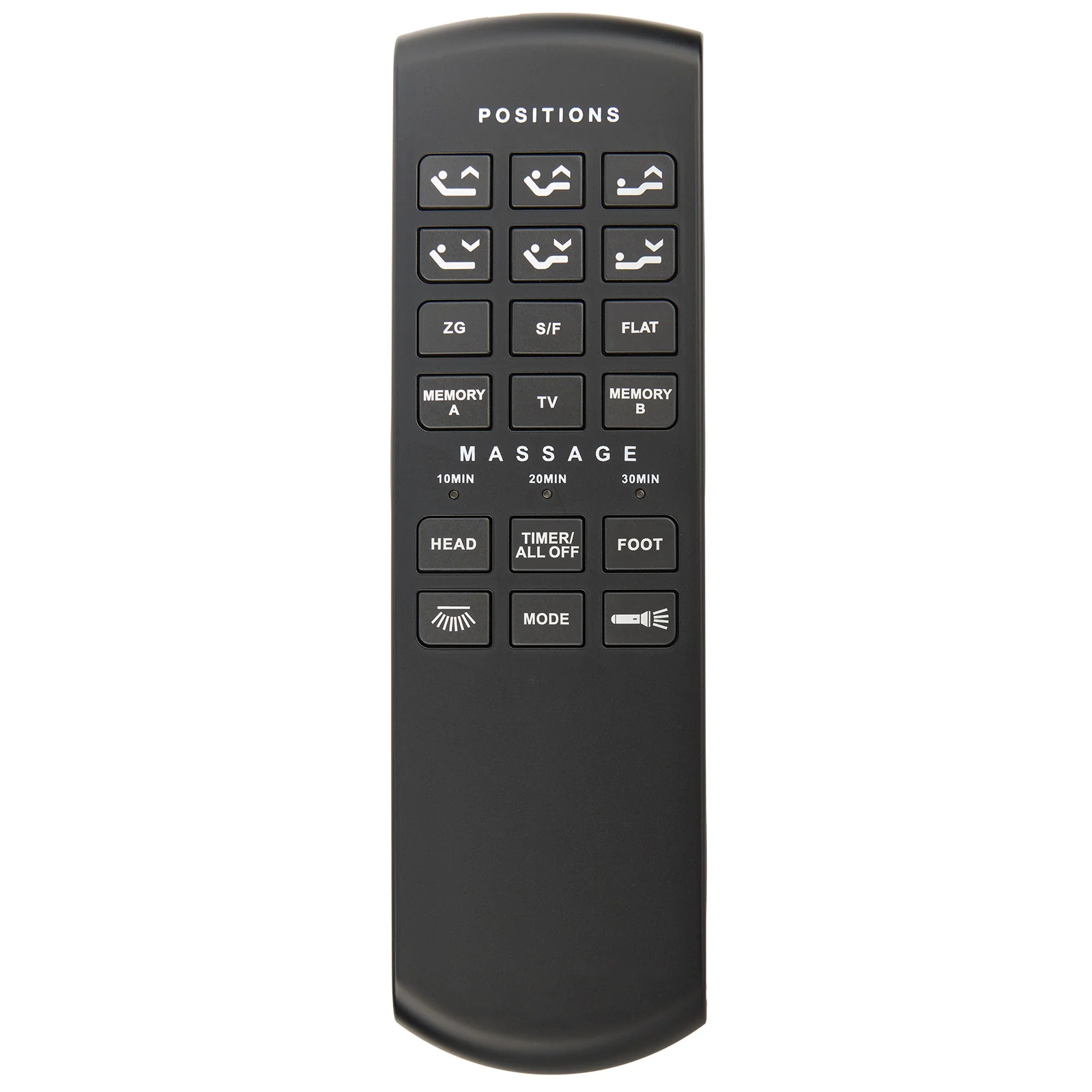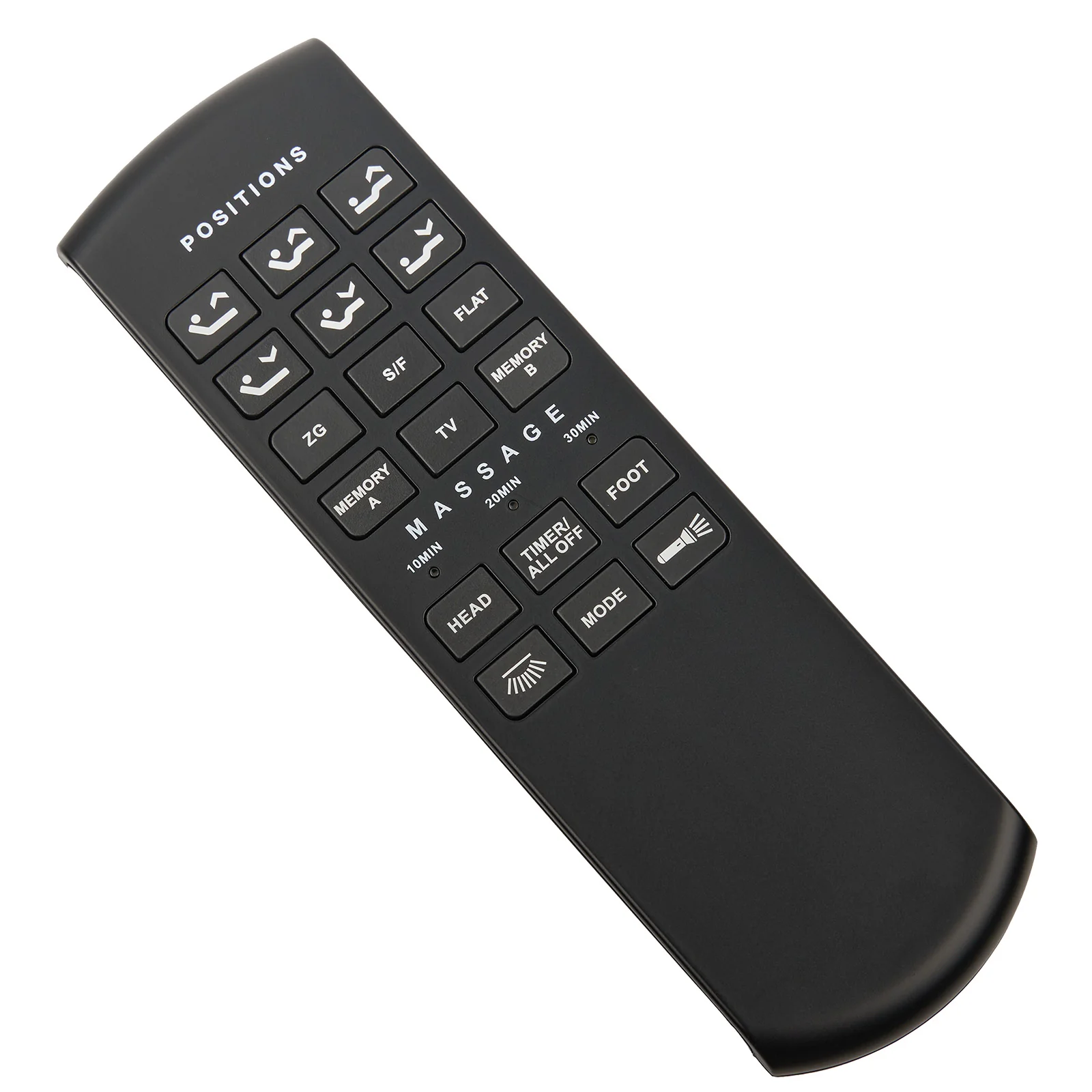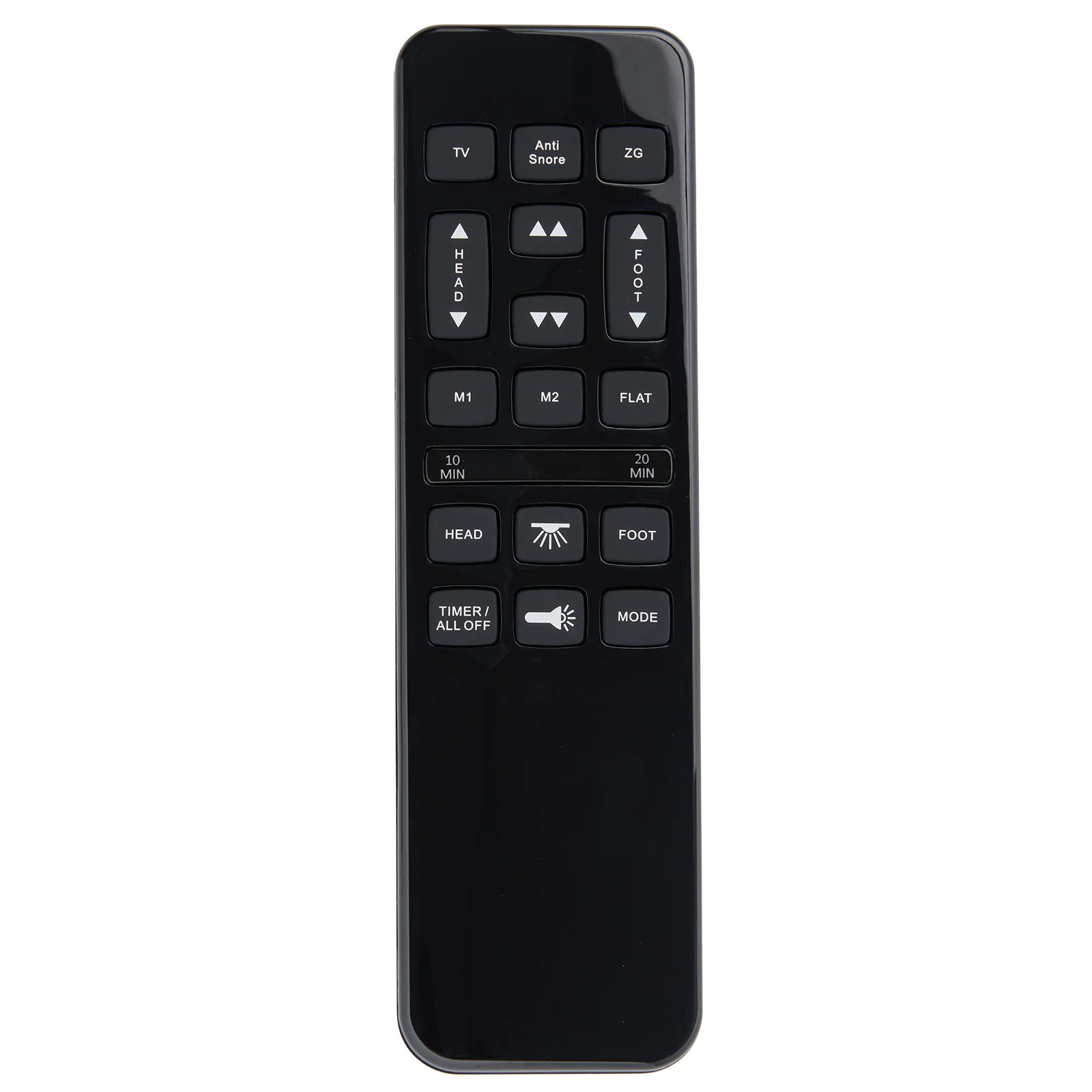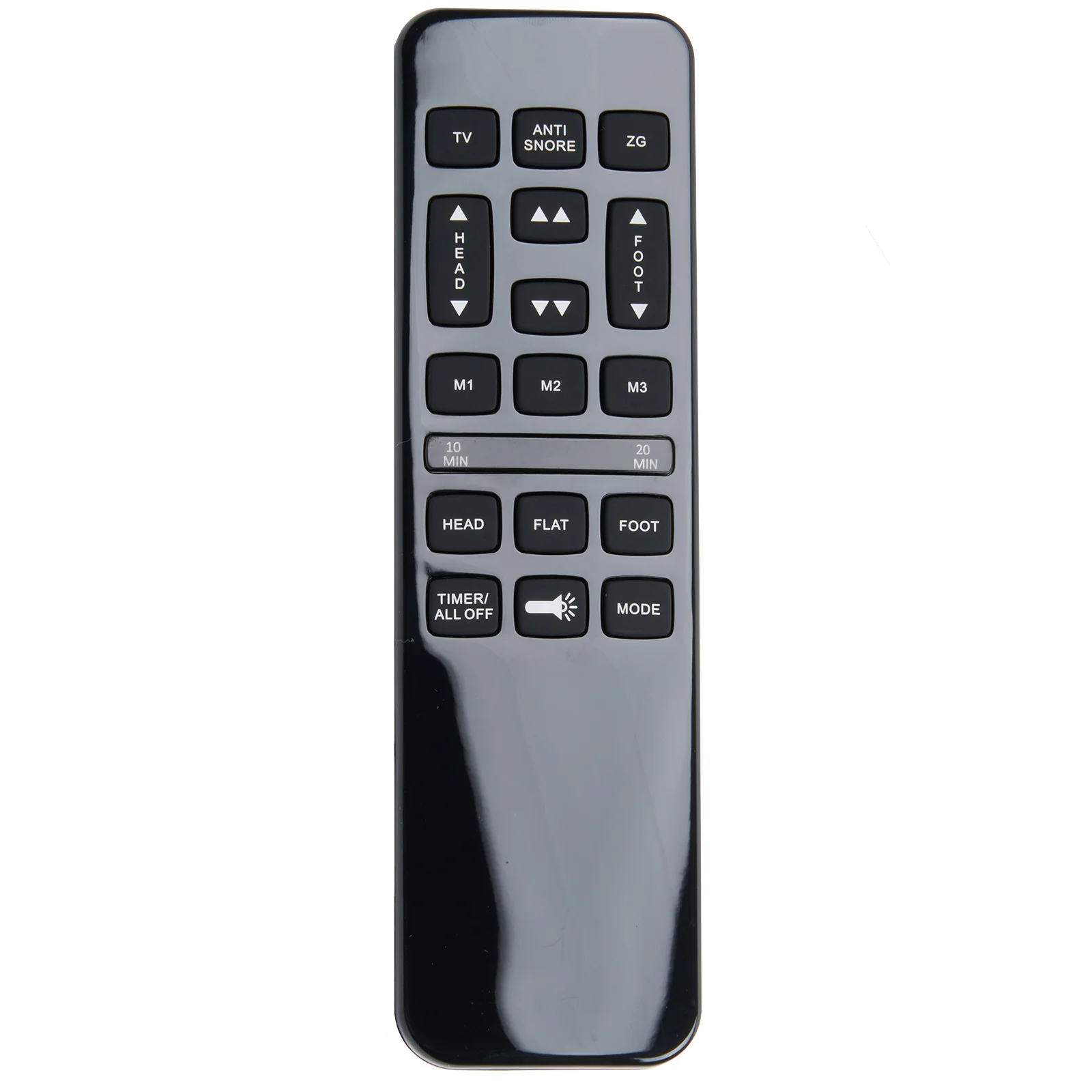
OKIN RF.34.07.01 7-Button Wireless Remote Controller for Adjustable Bed
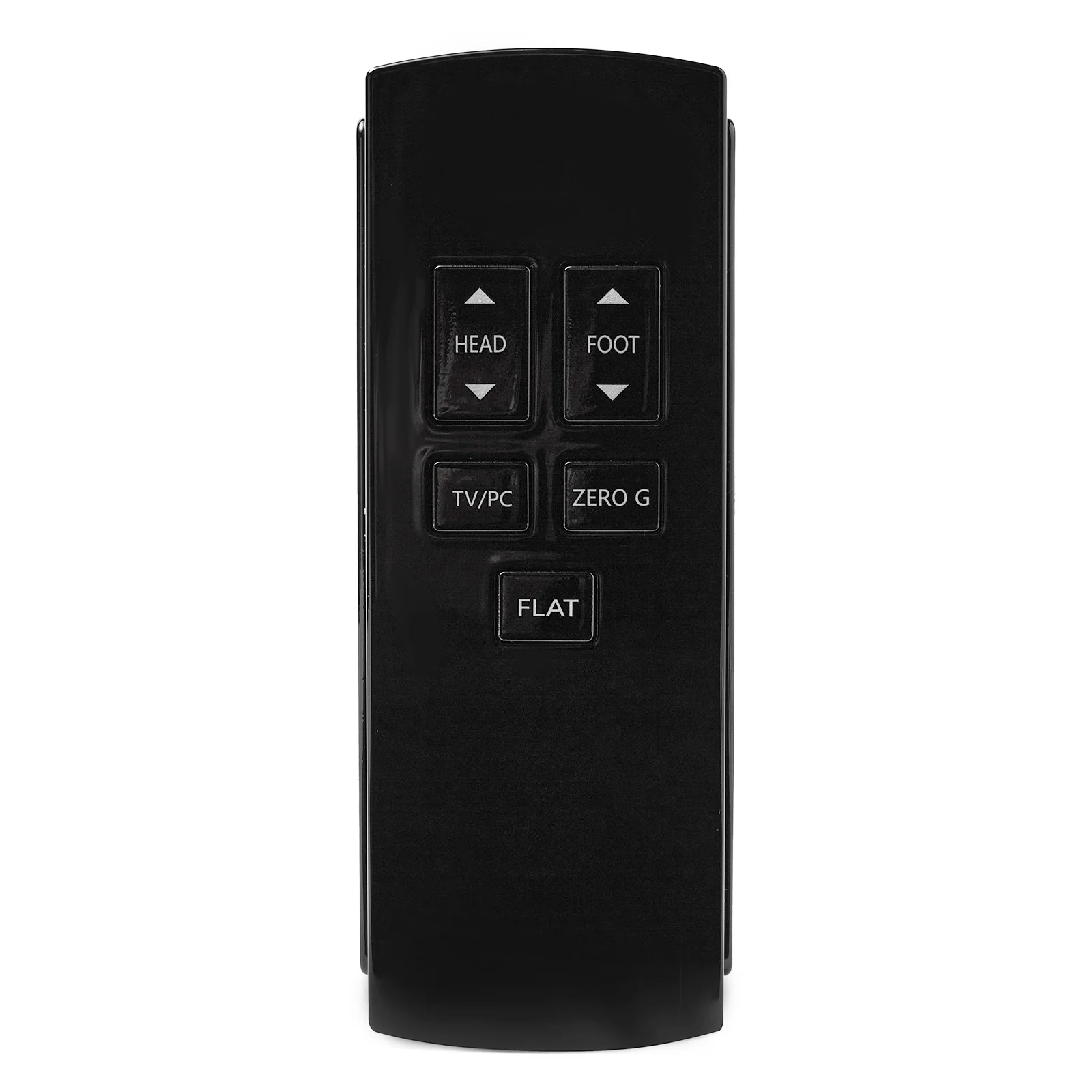
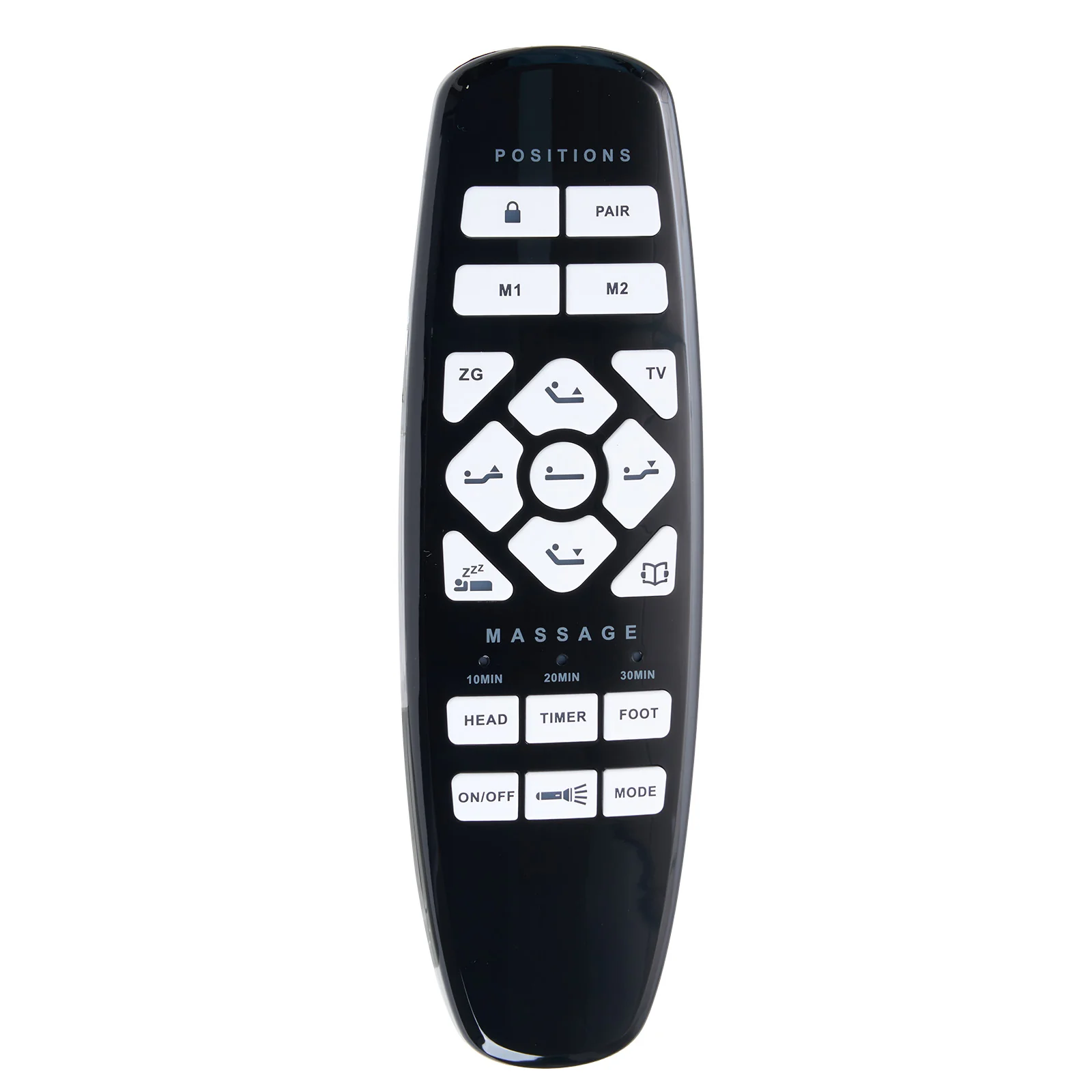
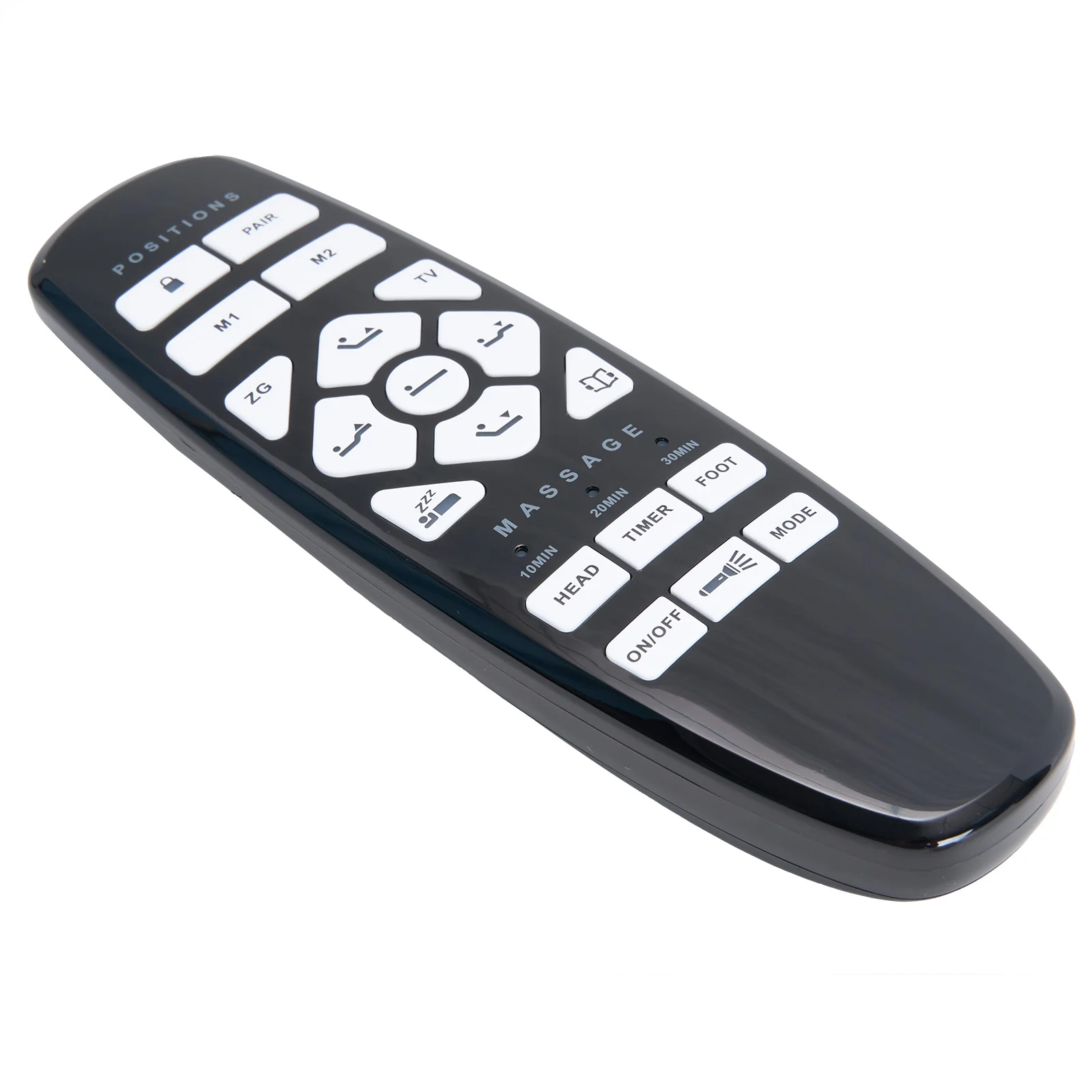
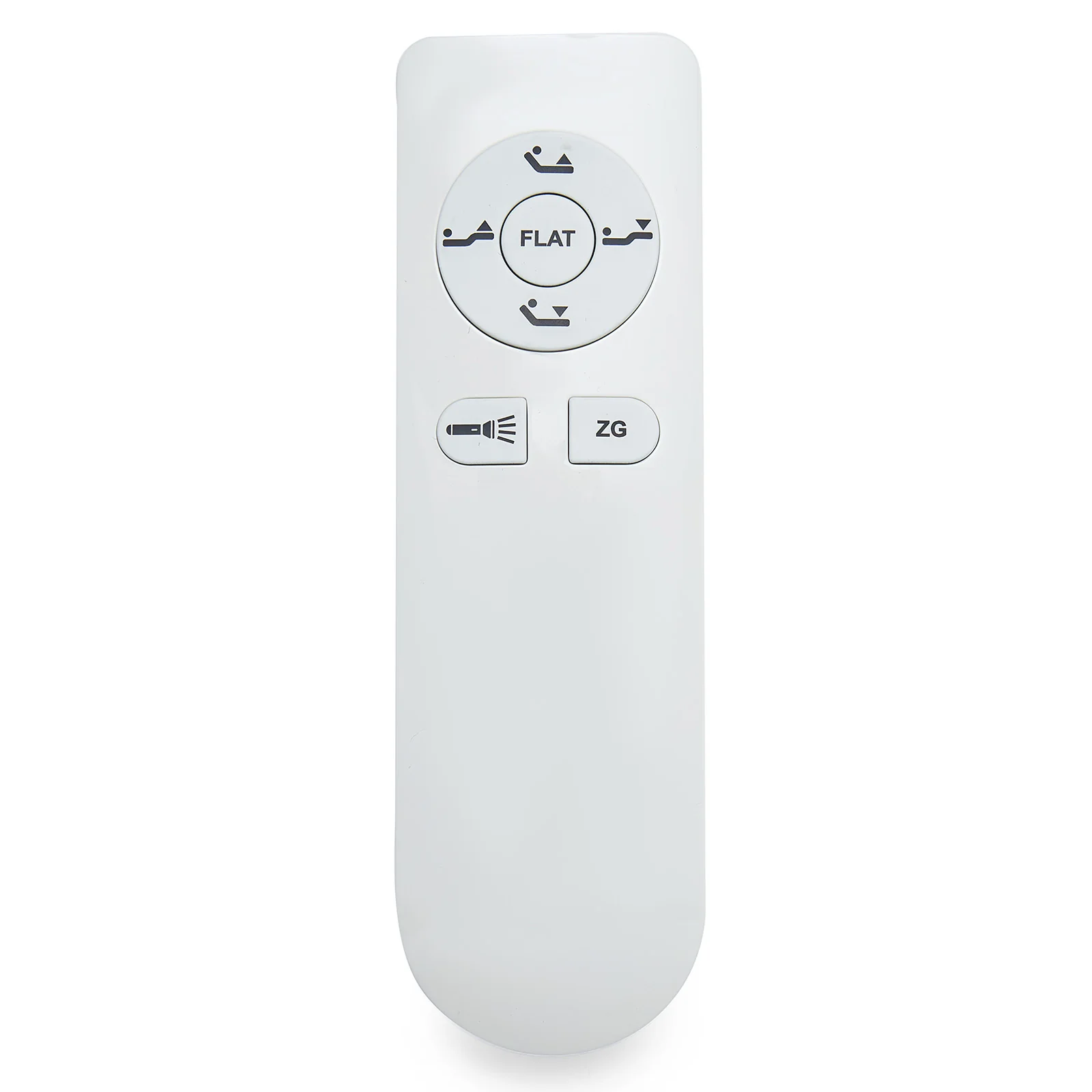
Genuine OKIN RF3407 wireless remote controller, full model number RF.34.07.01. Features 7 buttons, designed for adjustable bed bases with two motors.
Compatibility:
- Direct replacement for the RF.34.07.01 remote controller.
- Replaces the RF.34.07series with similar functionality; minor variations in color or button layout may occur.
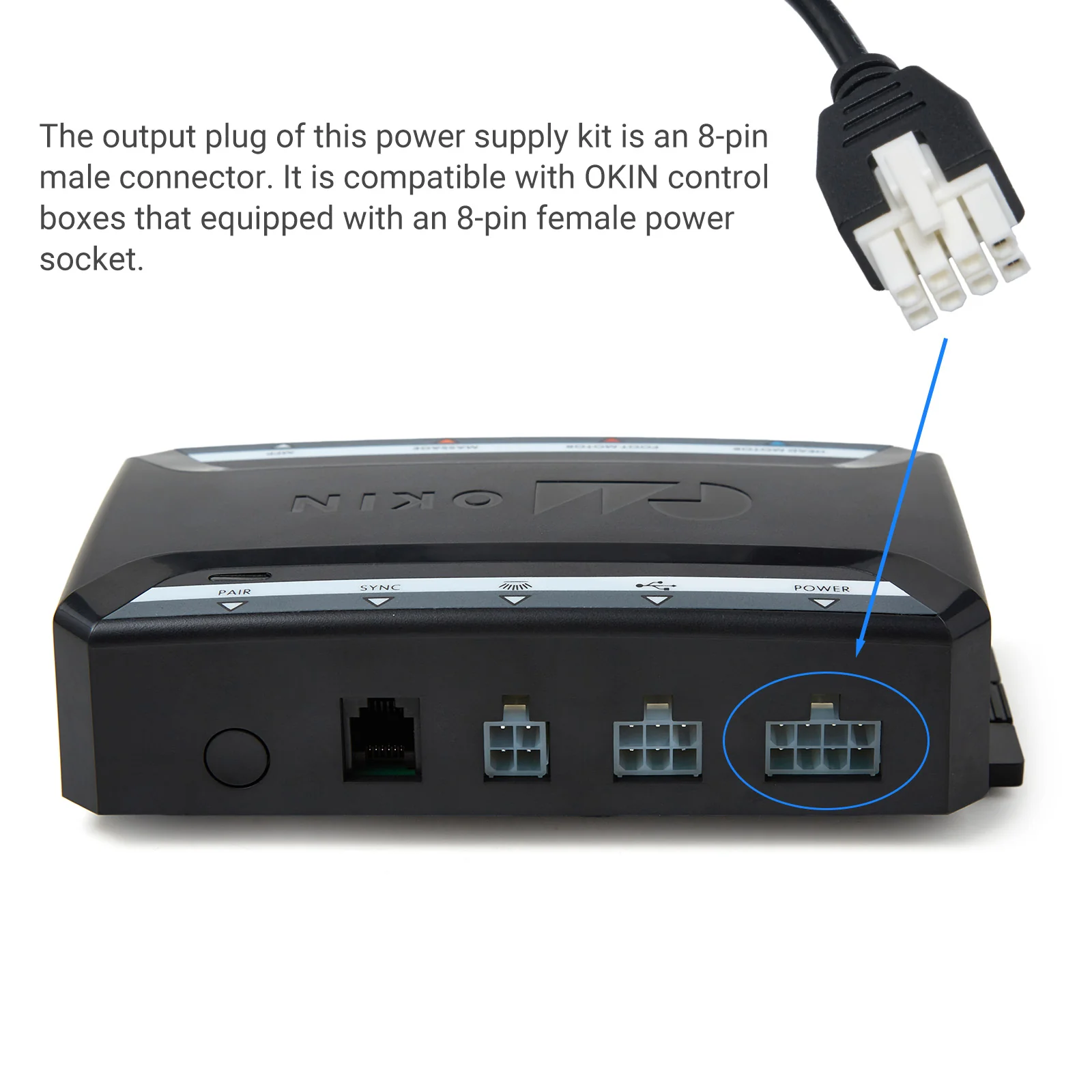
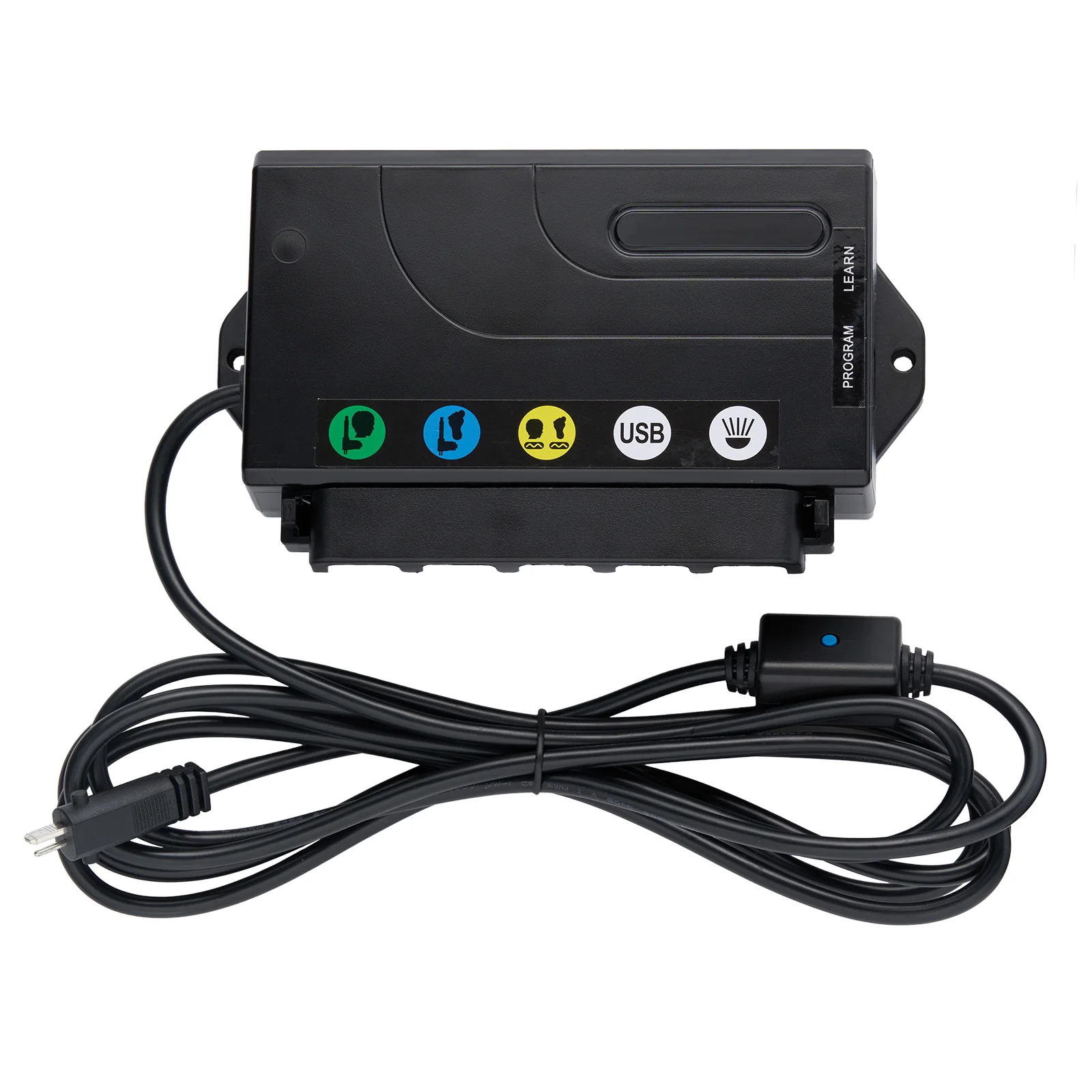
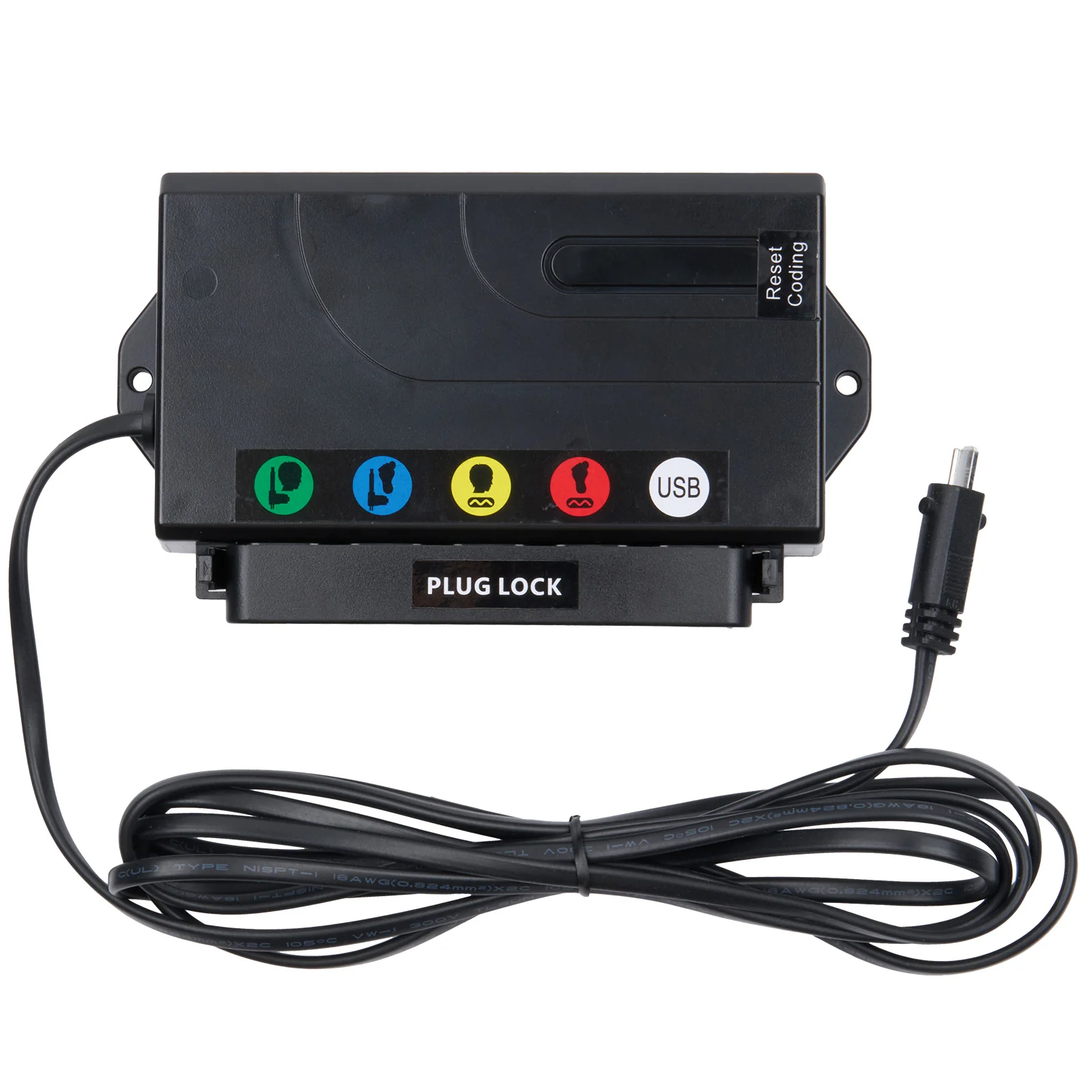
- Compatible with OKIN CB1220 control box.
- Not compatible with remote controls or control boxes of non-OKIN brands.
Specification:
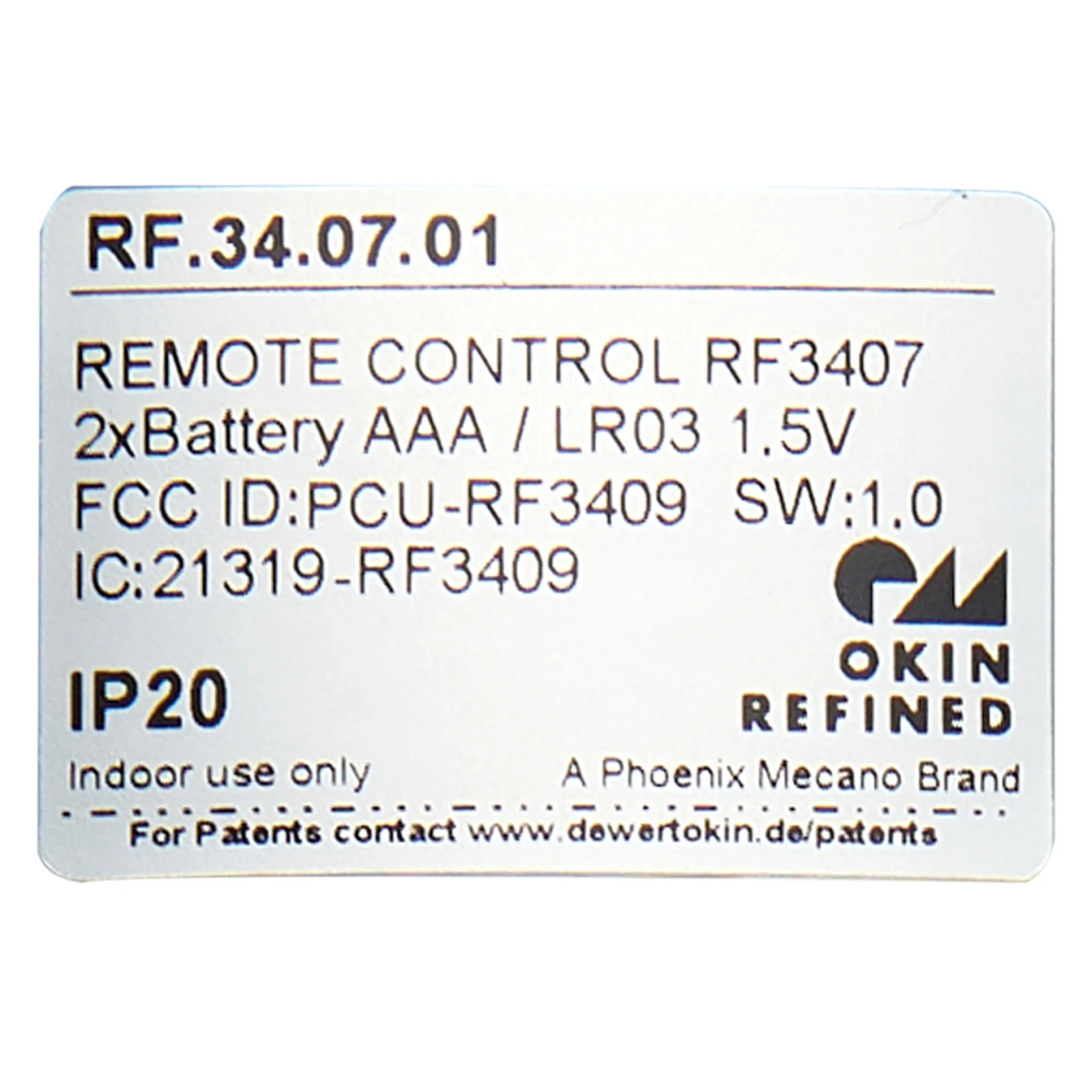
- Remote Control Series: RF3407
- Full Model Number: RF.34.07.01
Features:
- 7-button interface: Controls head/foot adjustment and flashlight ON/OFF.
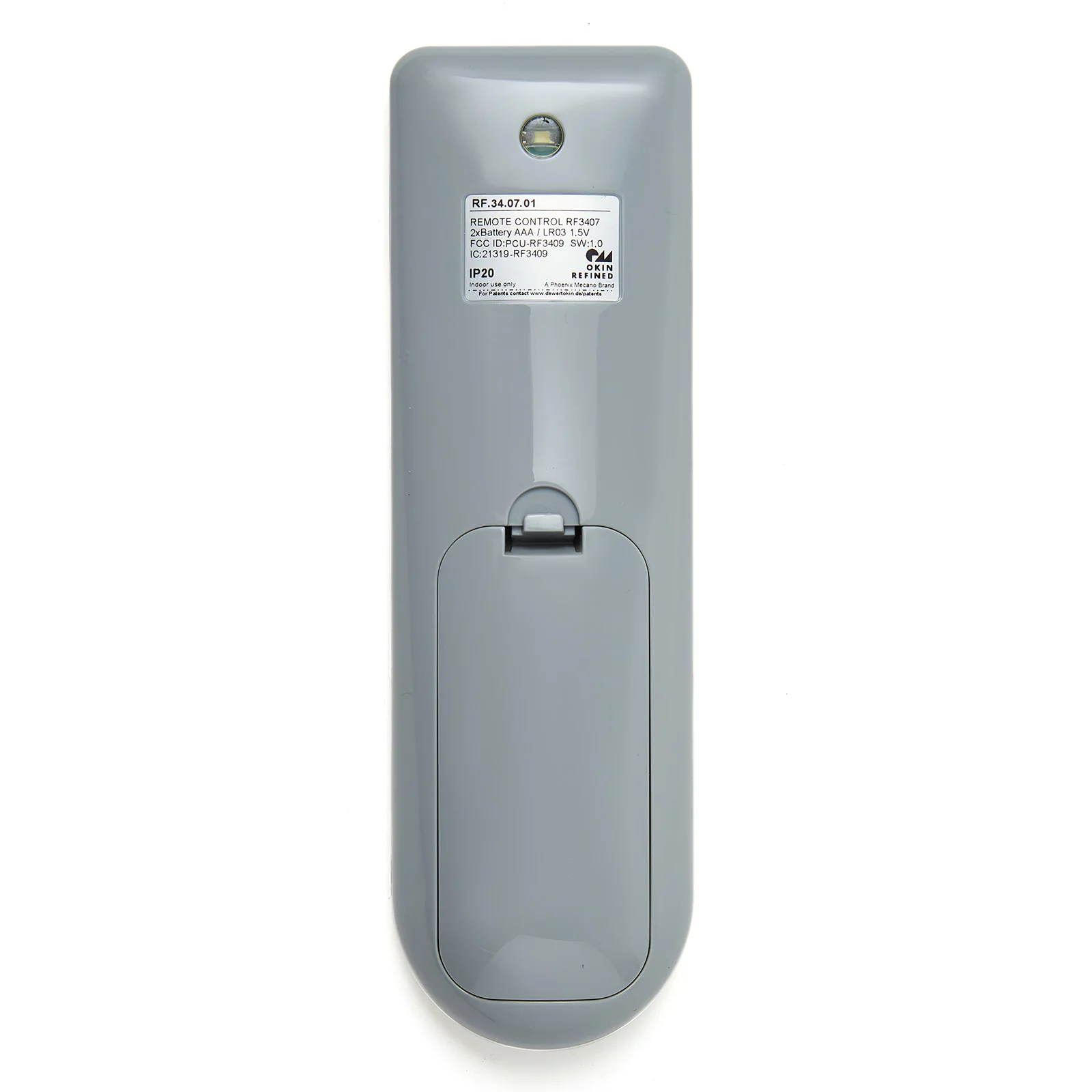
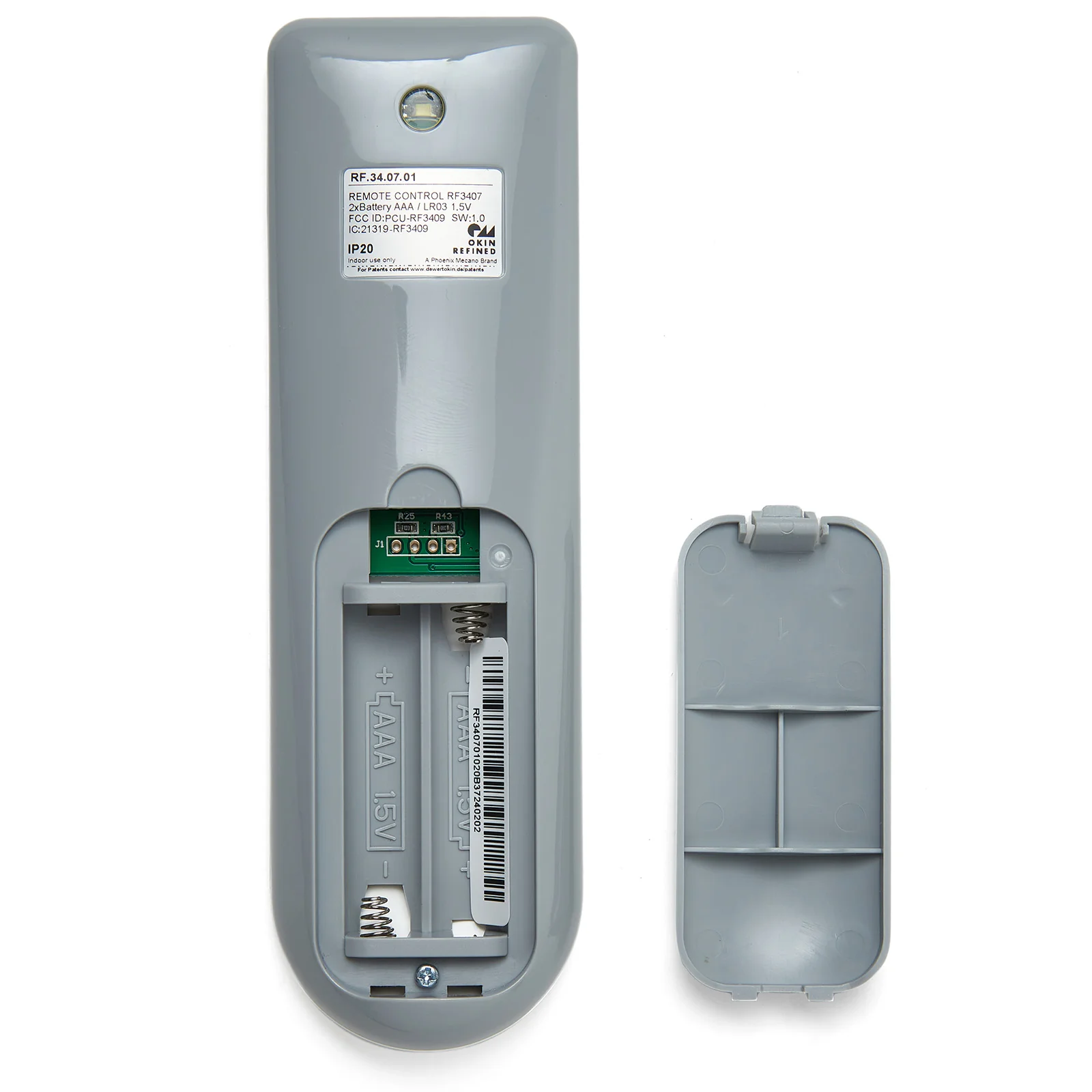
- Requires two AAA batteries (not included).
- One-click lay flat.
- Zero Gravity position.
Pairing Instructions:
- Enter Pairing Mode: Double-click the Pair button on the control box/junction box. The indicator light beside the Pair button will change from green to blue, indicating the control box is in pairing mode.
- Initiate Pairing: On the remote controller, press and hold both the Head Up button and Head down button simultaneously.
- Confirm Successful Pairing: The pairing is complete when the control box's indicator light changes from blue back to green.
$469.00
OKIN RF.34.07.01 7-Button Wireless Remote Controller for Adjustable Bed—
$469.00
Product Information
Product Information
Shipping & Returns
Shipping & Returns
Description
Genuine OKIN RF3407 wireless remote controller, full model number RF.34.07.01. Features 7 buttons, designed for adjustable bed bases with two motors.
Compatibility:
- Direct replacement for the RF.34.07.01 remote controller.
- Replaces the RF.34.07series with similar functionality; minor variations in color or button layout may occur.
- Compatible with OKIN CB1220 control box.
- Not compatible with remote controls or control boxes of non-OKIN brands.
Specification:
- Remote Control Series: RF3407
- Full Model Number: RF.34.07.01
Features:
- 7-button interface: Controls head/foot adjustment and flashlight ON/OFF.
- Requires two AAA batteries (not included).
- One-click lay flat.
- Zero Gravity position.
Pairing Instructions:
- Enter Pairing Mode: Double-click the Pair button on the control box/junction box. The indicator light beside the Pair button will change from green to blue, indicating the control box is in pairing mode.
- Initiate Pairing: On the remote controller, press and hold both the Head Up button and Head down button simultaneously.
- Confirm Successful Pairing: The pairing is complete when the control box's indicator light changes from blue back to green.