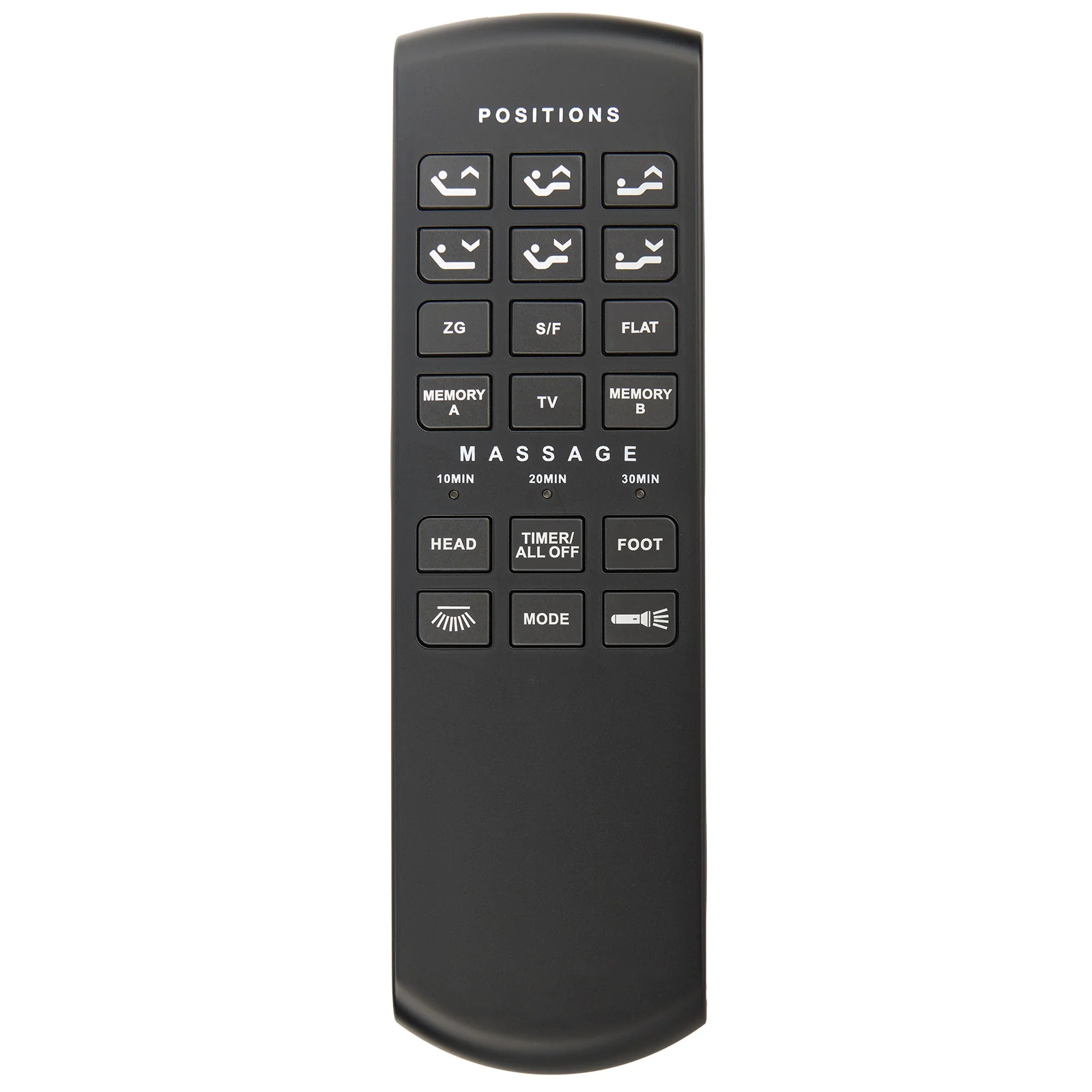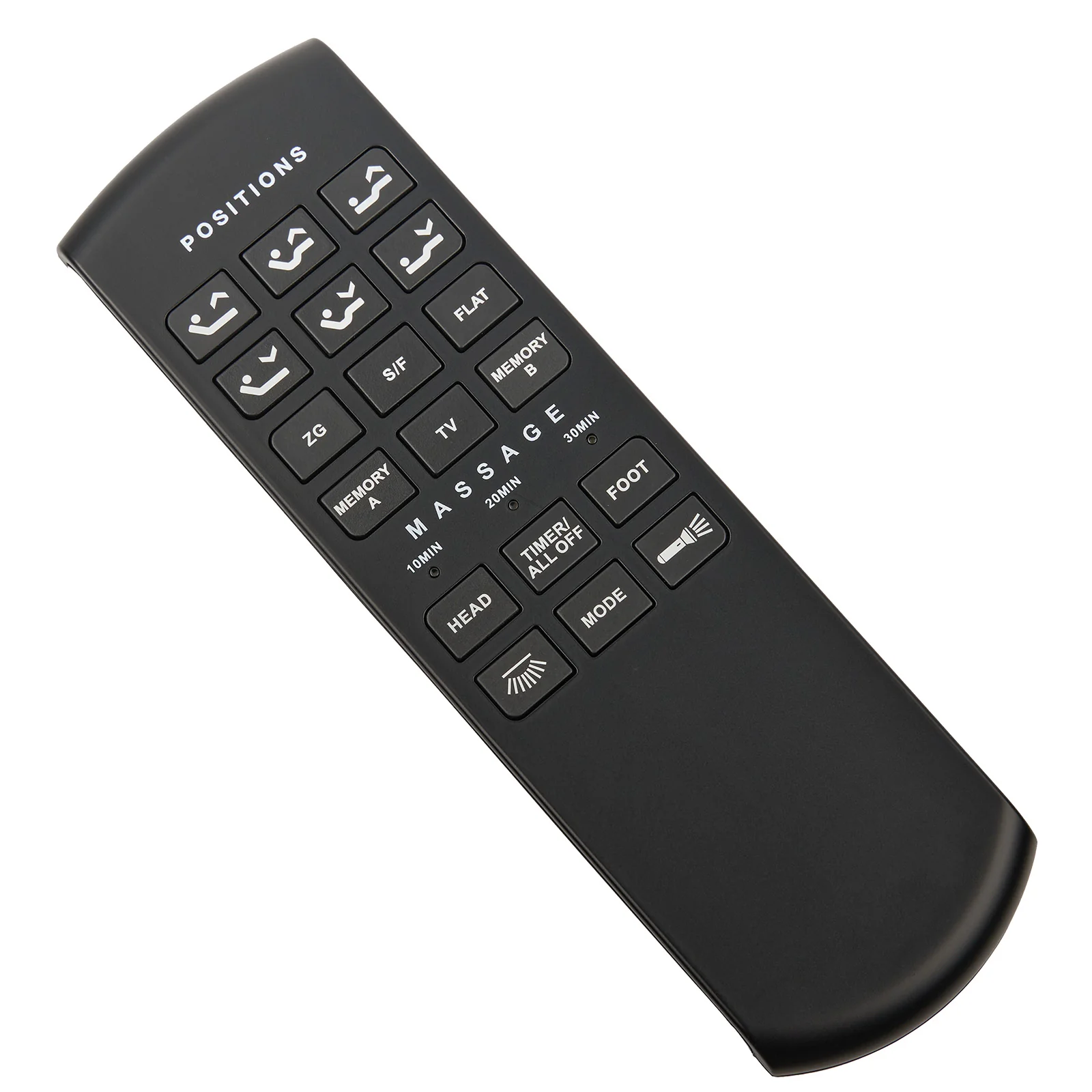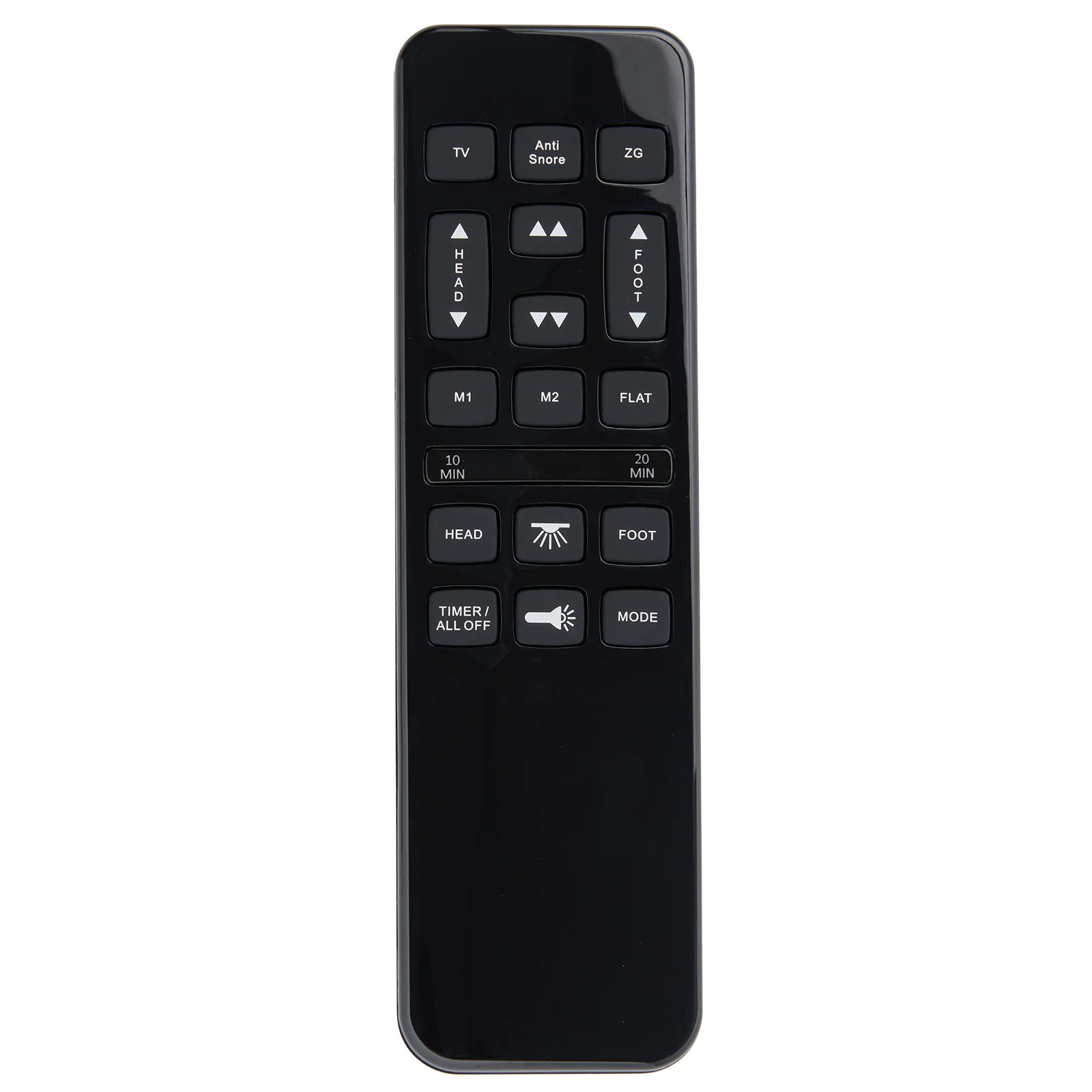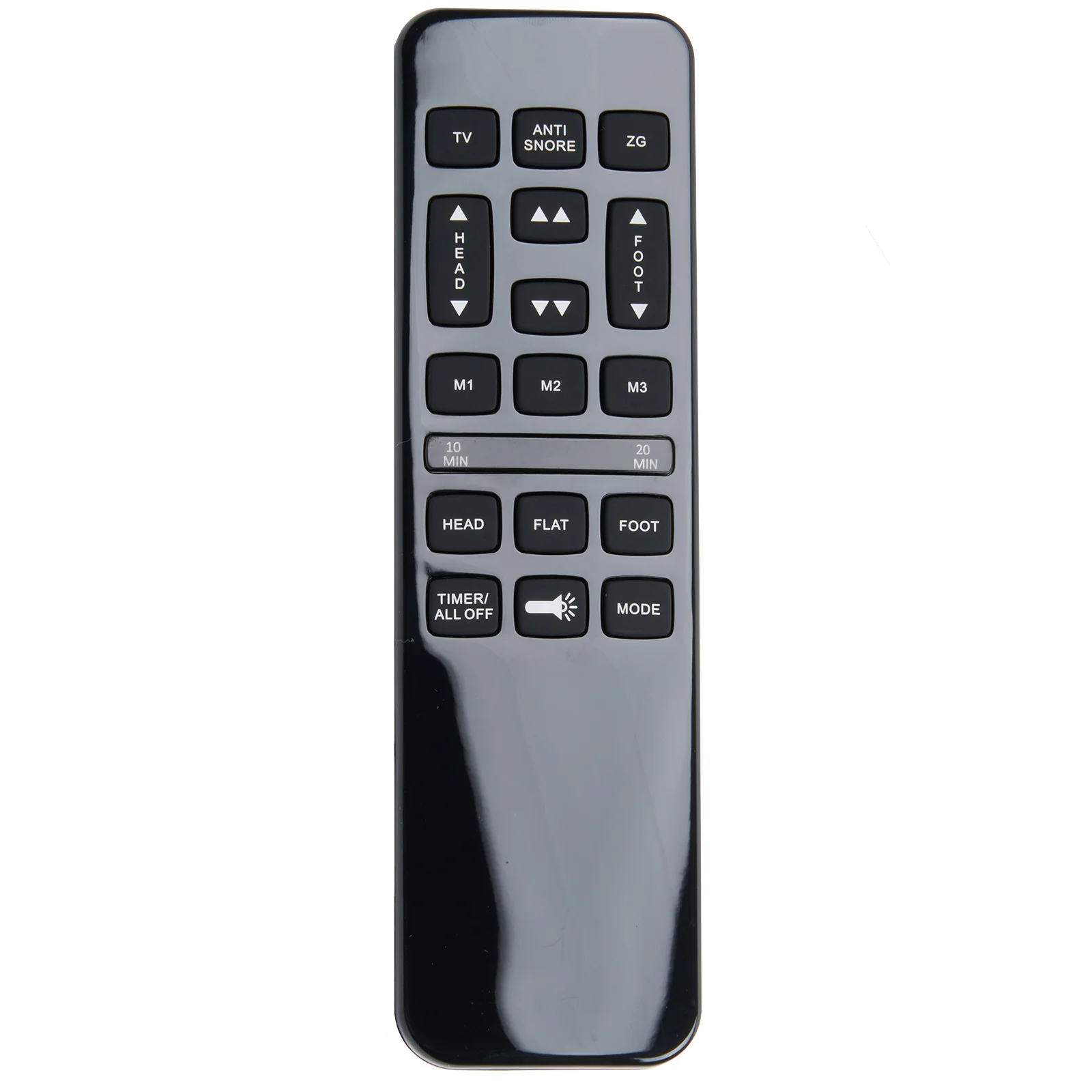
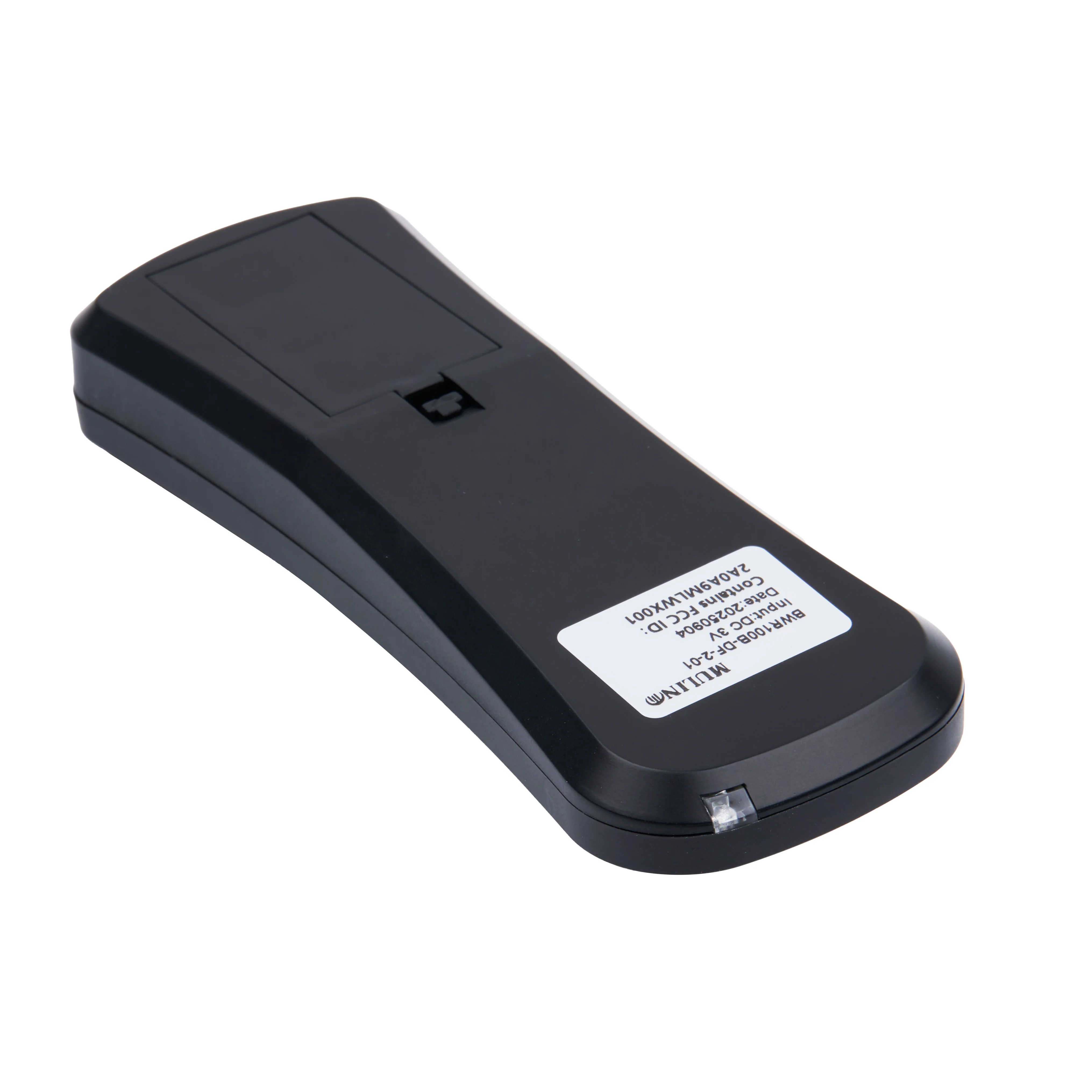
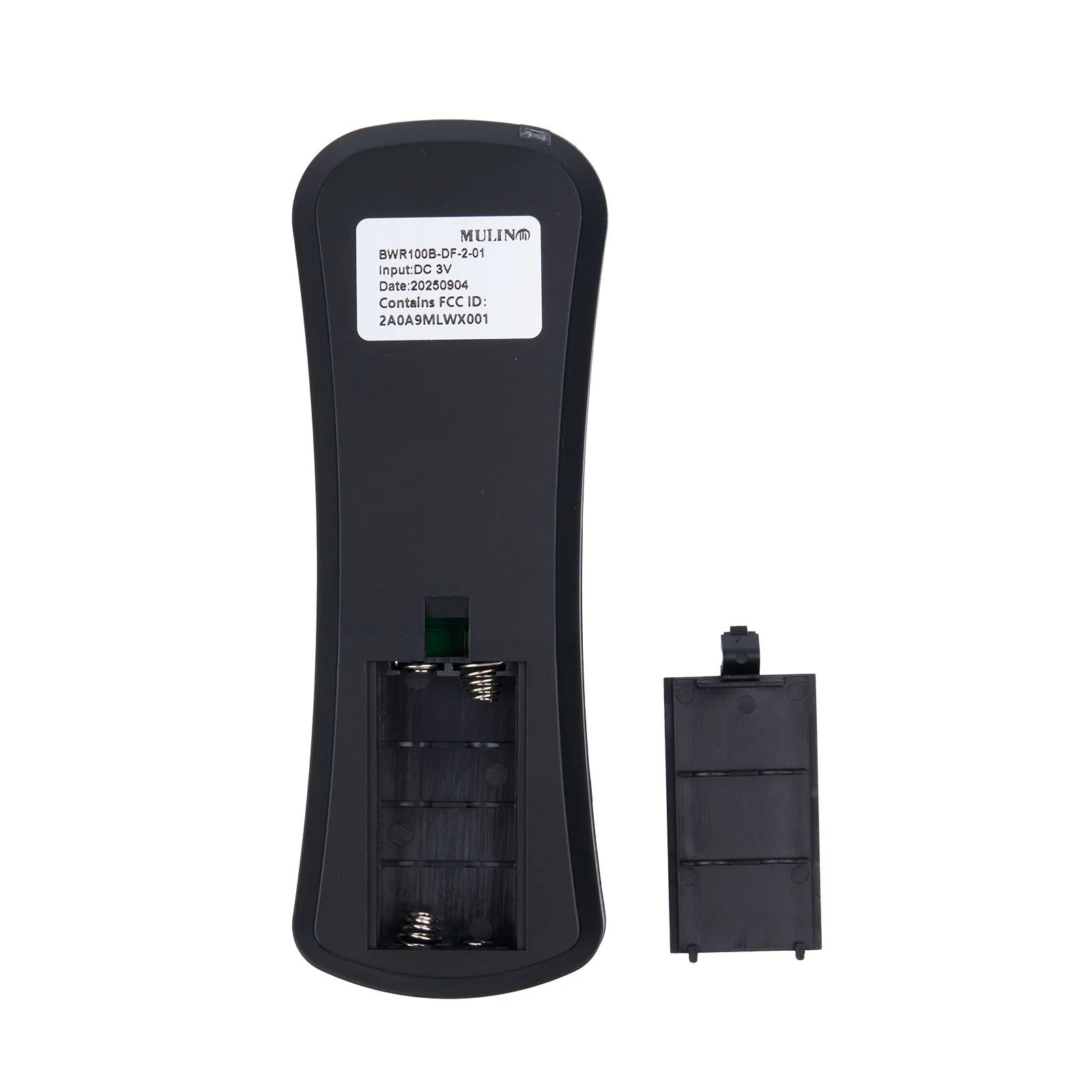
BWR100B-DF-2-01 9-Button Wireless Remote Controller for Adjustable Bed Bases
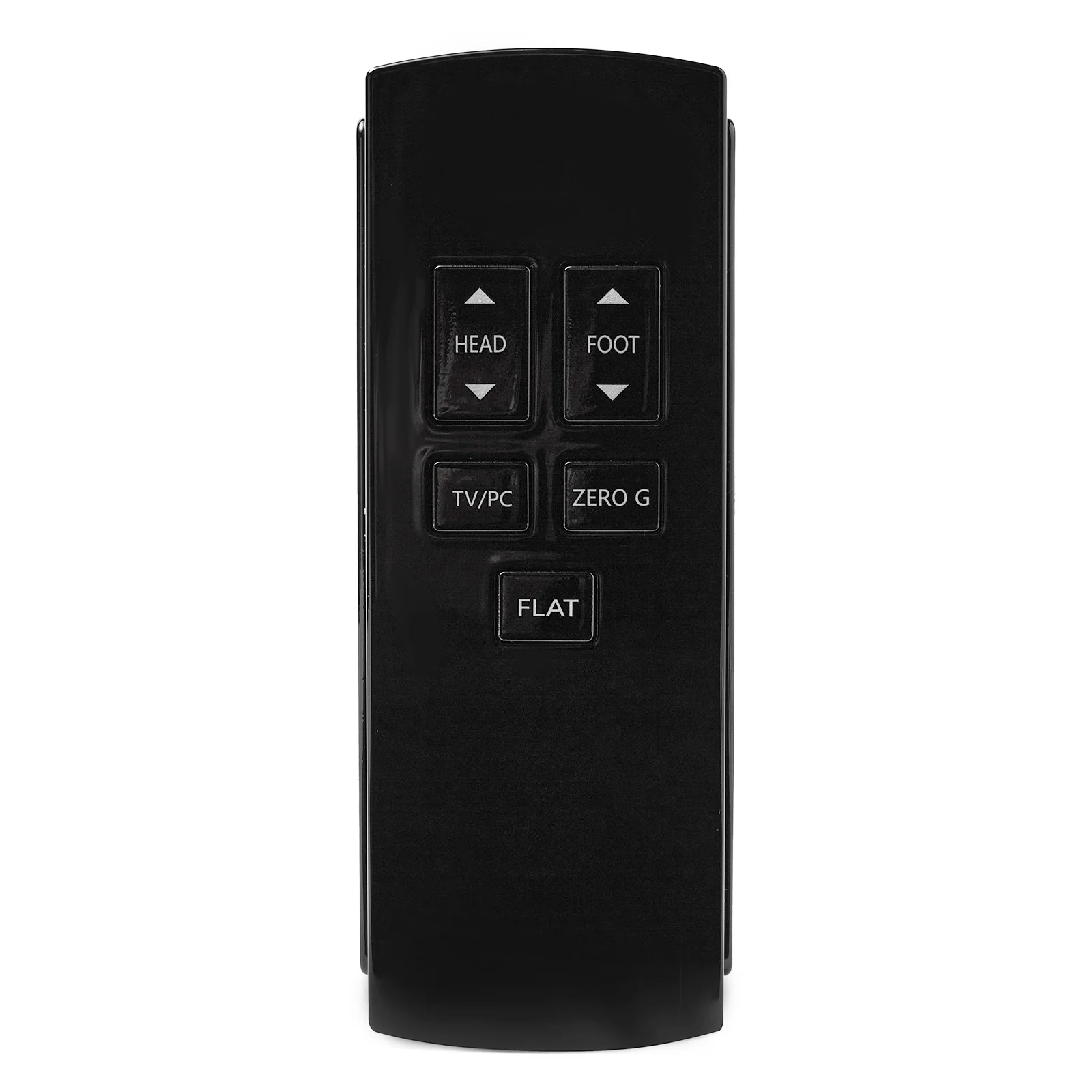
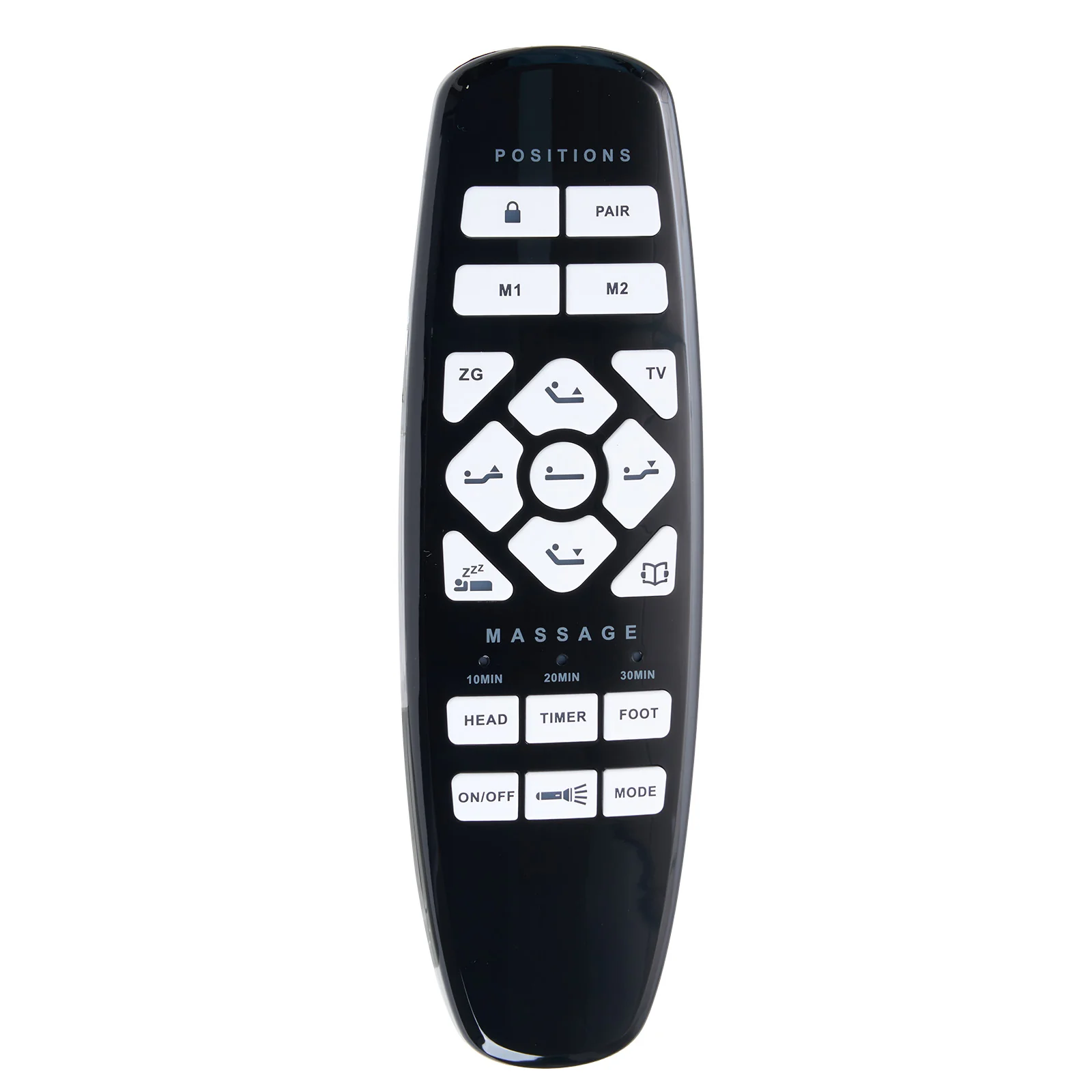
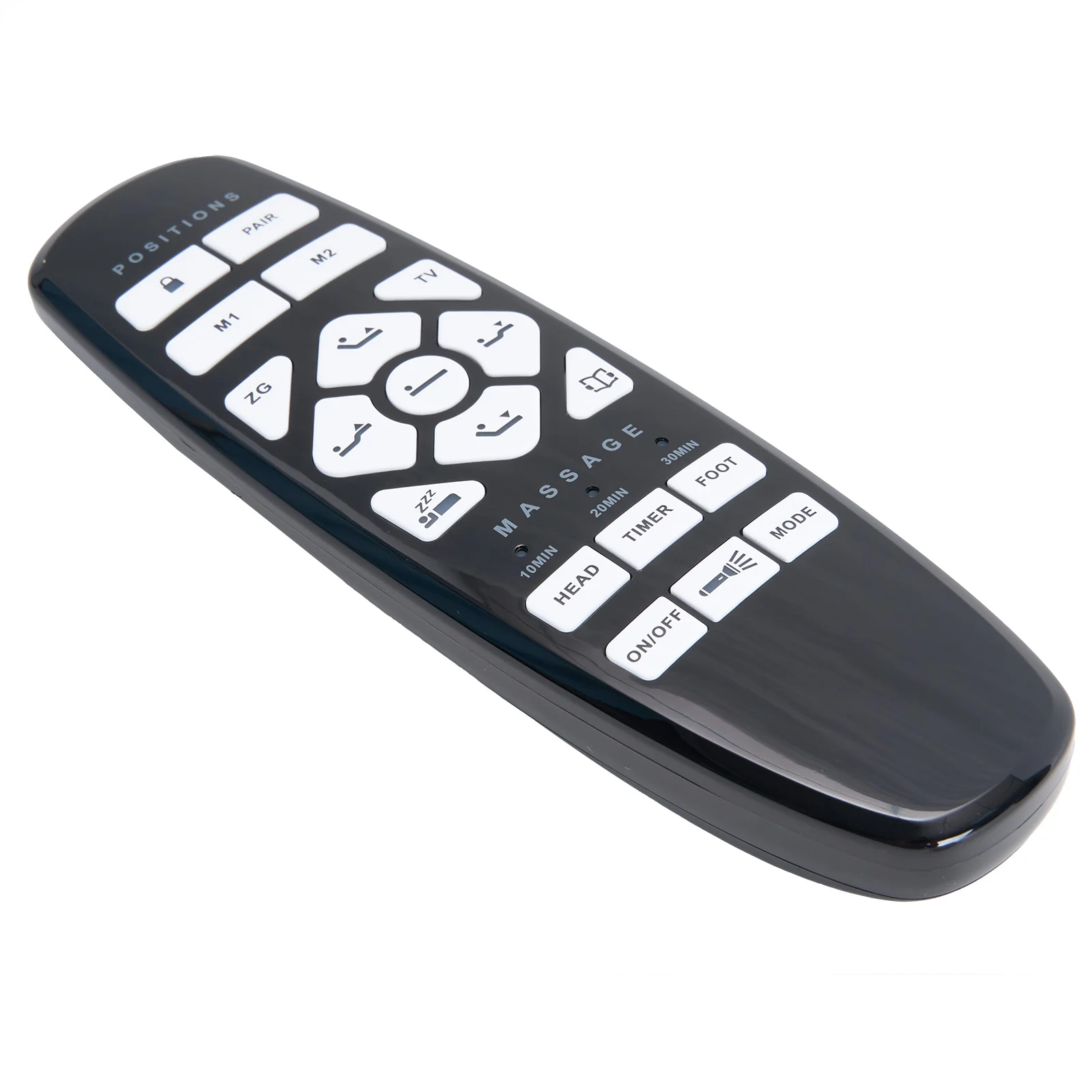
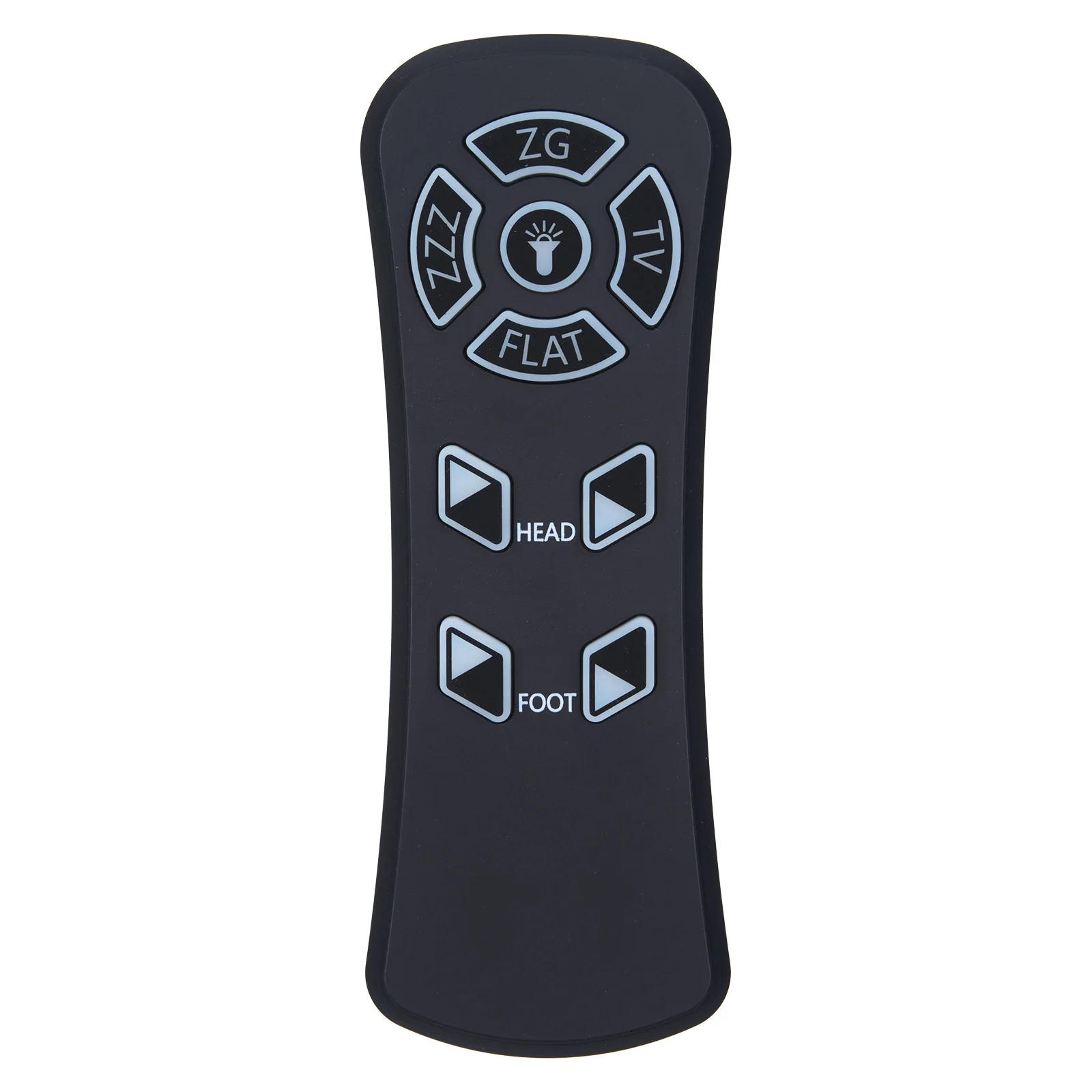
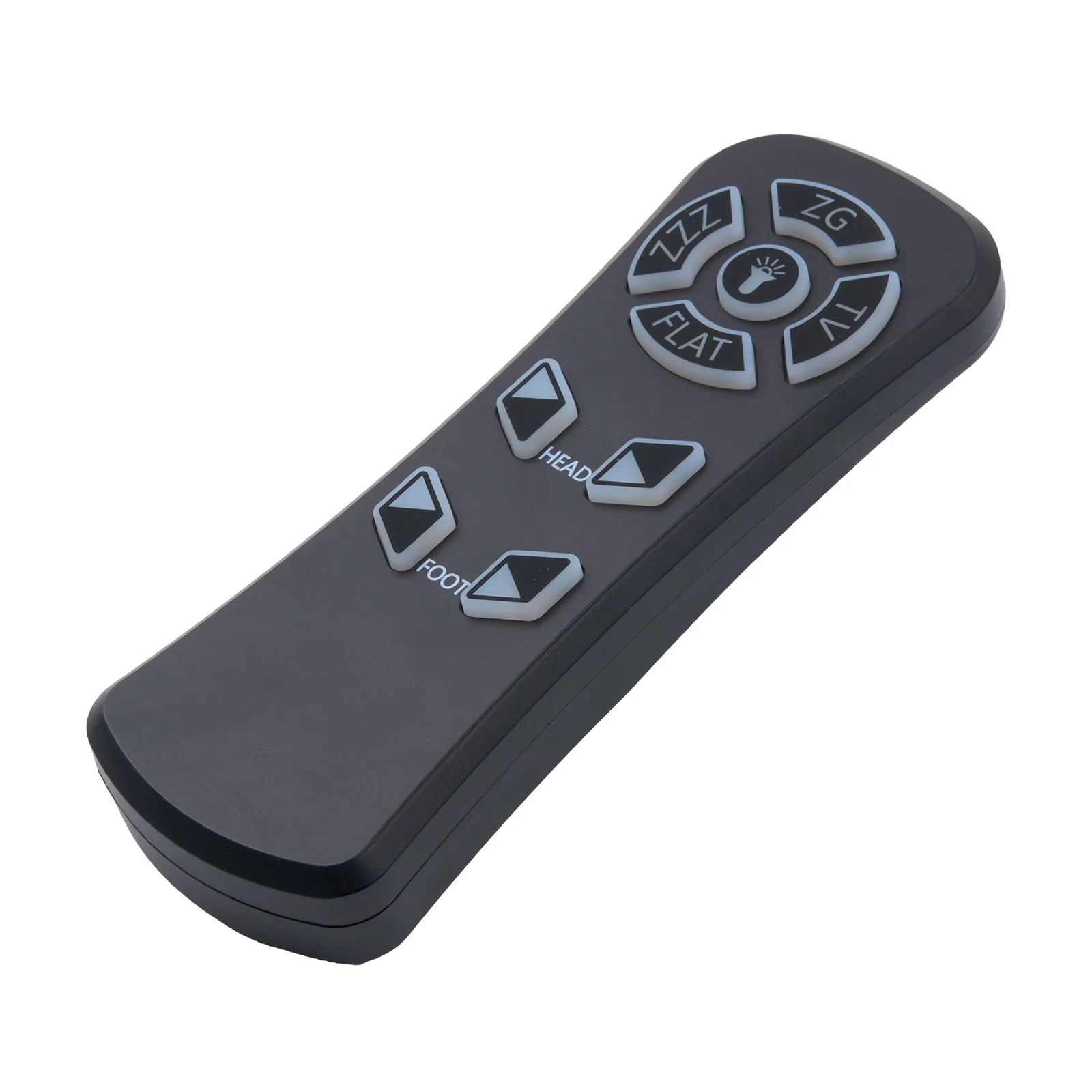
This is the genuine Mulin BWR100B-DF-2-01 Wireless Remote Controller. It features 9 buttons and is designed for adjustable bed bases with 2 motors.
Compatibility:
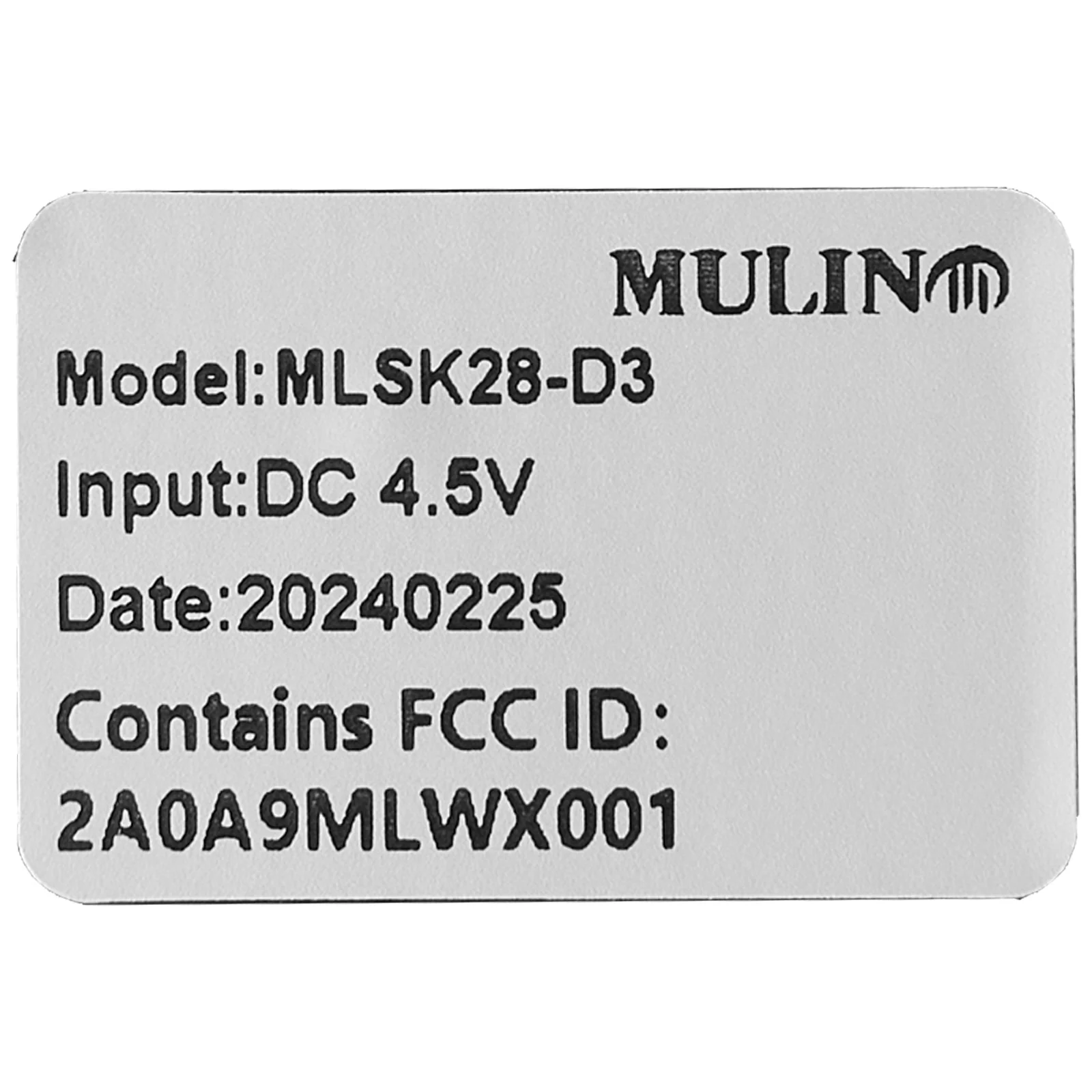
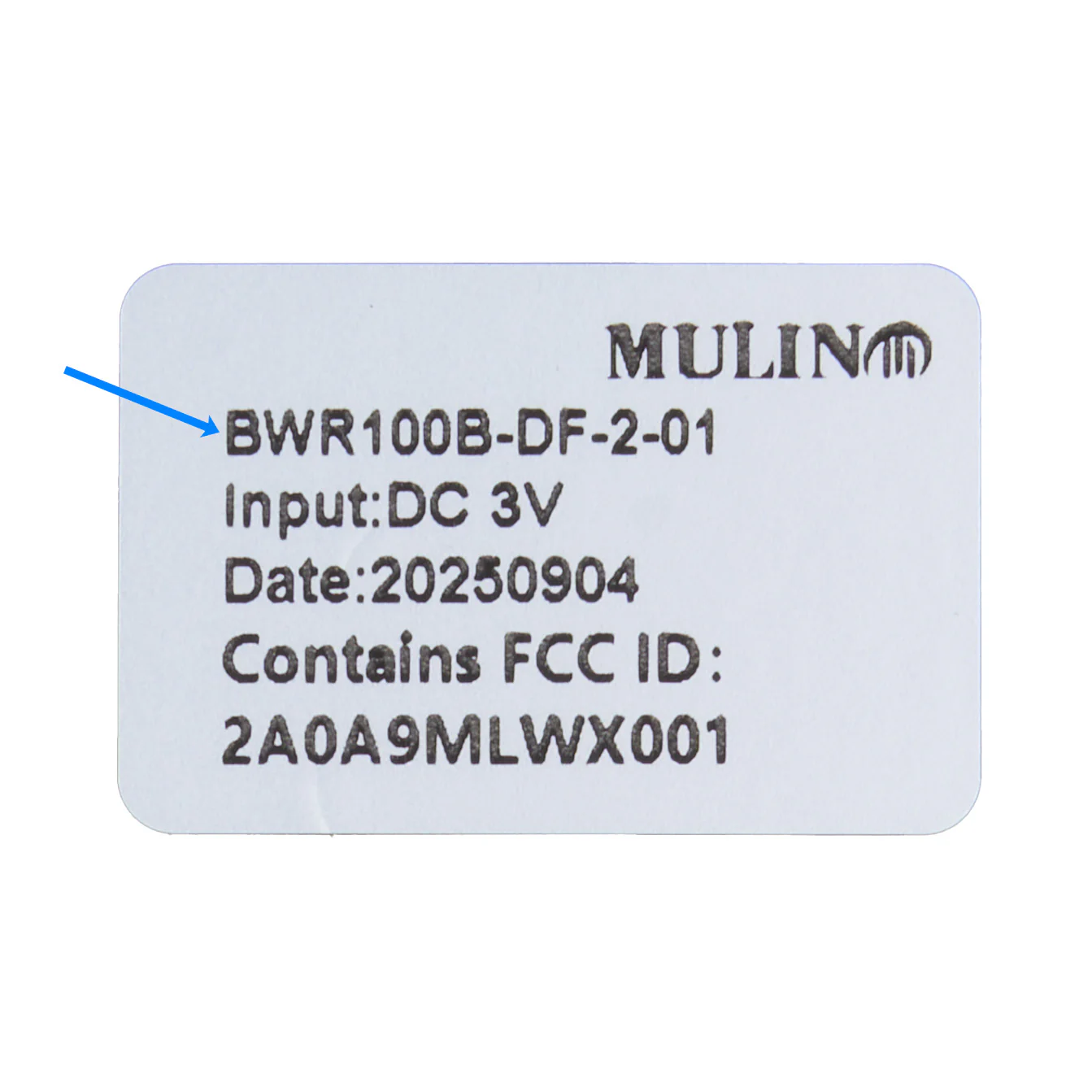
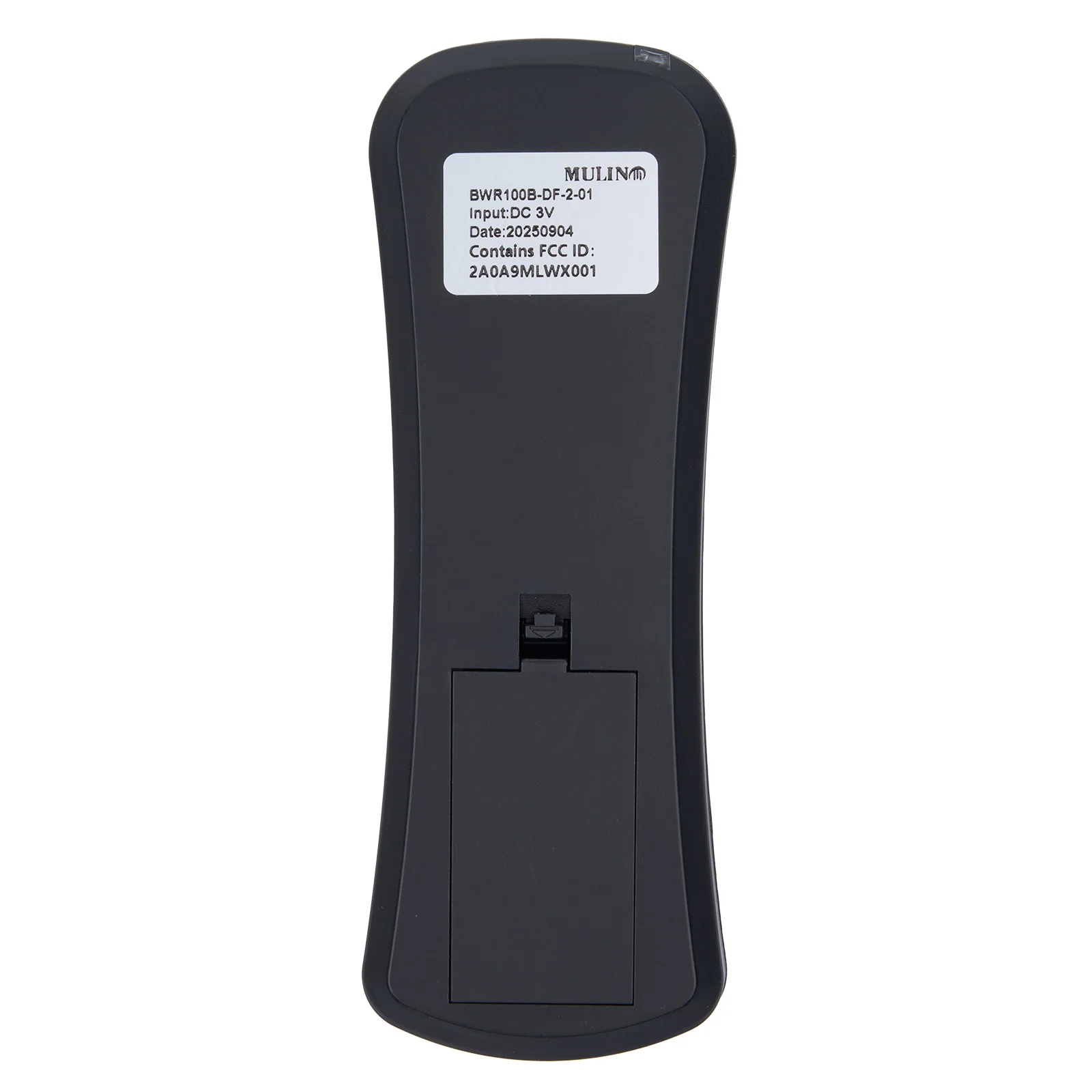
- This remote controller is not cross-compatible. Please only order it if your existing remote has the exact model number: BWR100B-DF-2-01.
- This remote controller will replace the YP-BWR100B-DF-2-0.
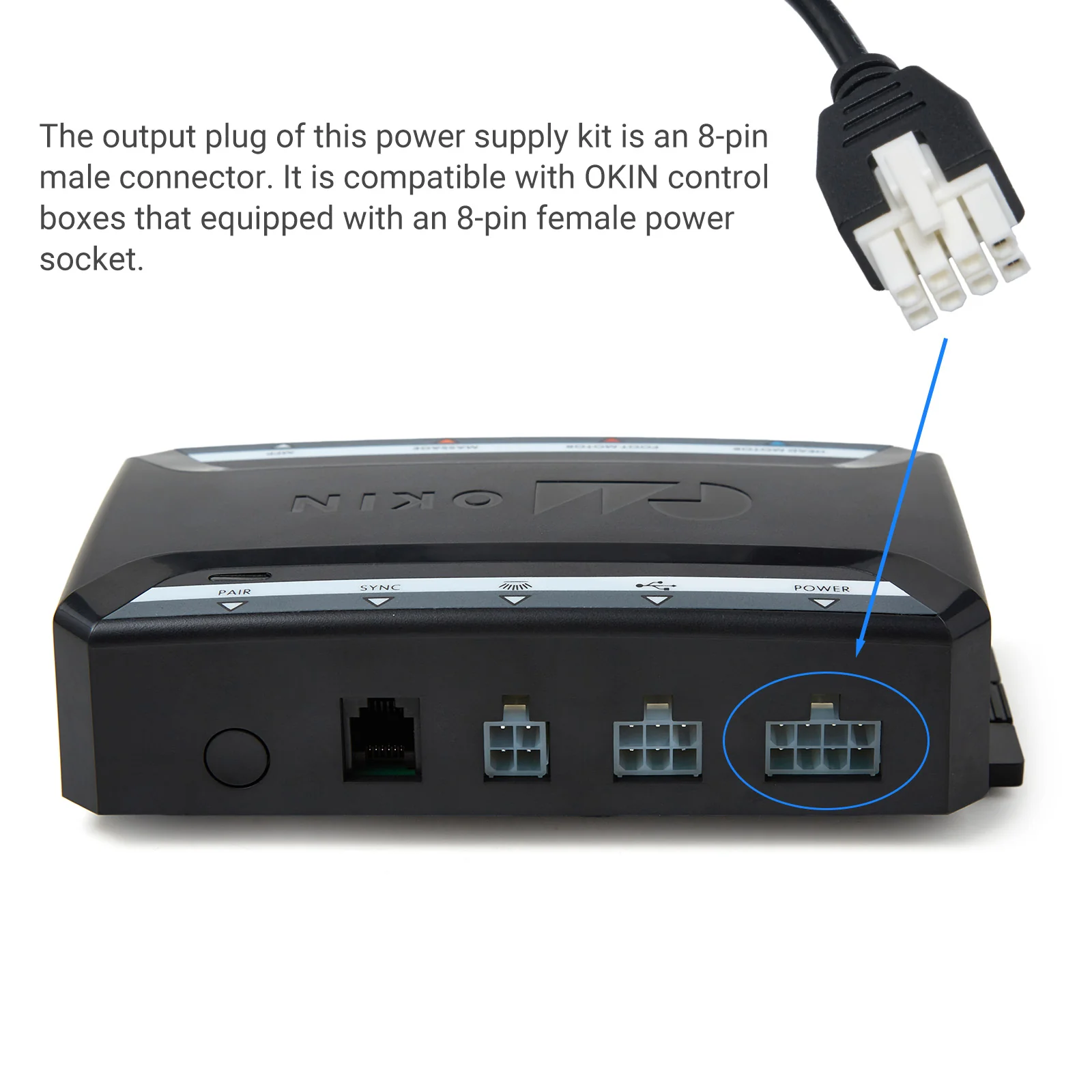
- Based on customer feedback, this remote is compatible with the following control boxes: WCB018-D-RMF-D-02, WCB018-D-RMF-D-03.
Features:
9-Button Layout:
- Headrest Up/Down buttons
- Footrest Up/Down buttons
- Flat Button: Lowers the headrest and footrest simultaneously.
- 3 Memory Buttons (ZZZ, ZG, TV): Save your preferred positions.
- Flashlight button
Pairing:
- Press and hold the Head Up and Head Down buttons simultaneously for 3 seconds.
- The LED indicator will begin flashing, signaling that the remote has entered pairing mode.
- Continue holding both buttons for approximately 6 seconds to complete the pairing.
Note:
The pairing operation must be completed within 2 minutes of powering on the control box. If the control box has been on for longer than 2 minutes, please power it off and then on again to successfully pair.
Original: $55.53
-70%$55.53
$16.66Product Information
Product Information
Shipping & Returns
Shipping & Returns
Description
This is the genuine Mulin BWR100B-DF-2-01 Wireless Remote Controller. It features 9 buttons and is designed for adjustable bed bases with 2 motors.
Compatibility:
- This remote controller is not cross-compatible. Please only order it if your existing remote has the exact model number: BWR100B-DF-2-01.
- This remote controller will replace the YP-BWR100B-DF-2-0.
- Based on customer feedback, this remote is compatible with the following control boxes: WCB018-D-RMF-D-02, WCB018-D-RMF-D-03.
Features:
9-Button Layout:
- Headrest Up/Down buttons
- Footrest Up/Down buttons
- Flat Button: Lowers the headrest and footrest simultaneously.
- 3 Memory Buttons (ZZZ, ZG, TV): Save your preferred positions.
- Flashlight button
Pairing:
- Press and hold the Head Up and Head Down buttons simultaneously for 3 seconds.
- The LED indicator will begin flashing, signaling that the remote has entered pairing mode.
- Continue holding both buttons for approximately 6 seconds to complete the pairing.
Note:
The pairing operation must be completed within 2 minutes of powering on the control box. If the control box has been on for longer than 2 minutes, please power it off and then on again to successfully pair.